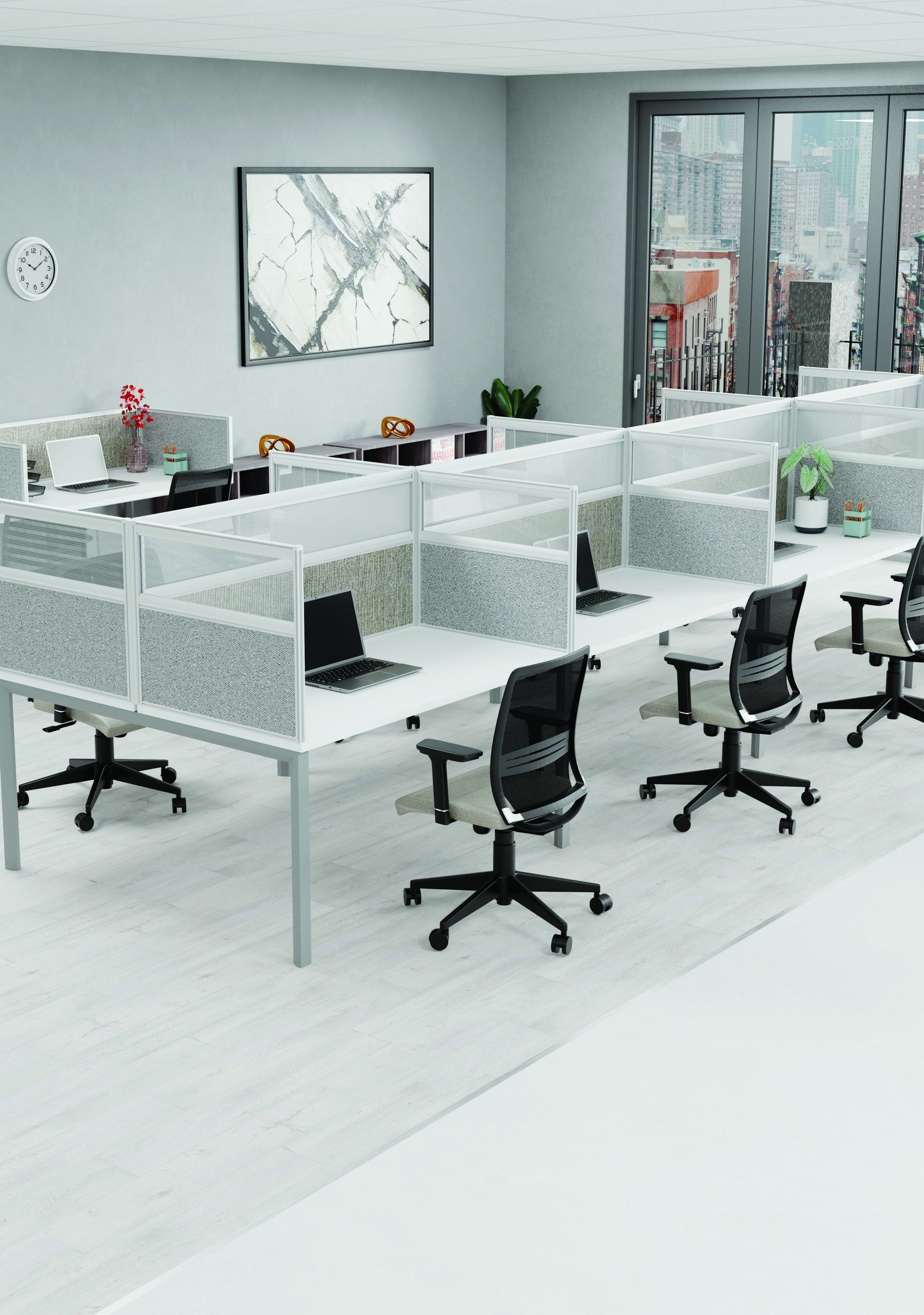
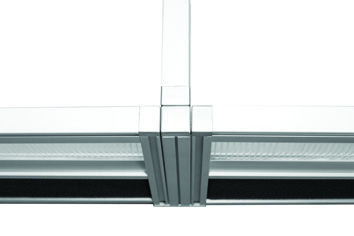
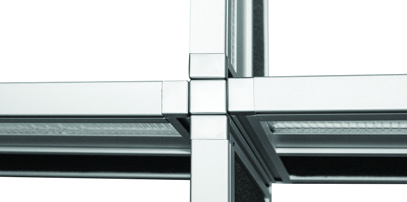
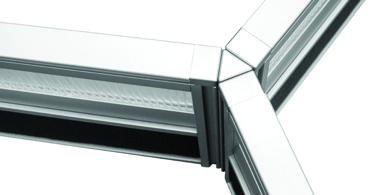
From an individual desk to a shared bench or cluster, desk screening helps define each workspace while keeping the office connected.
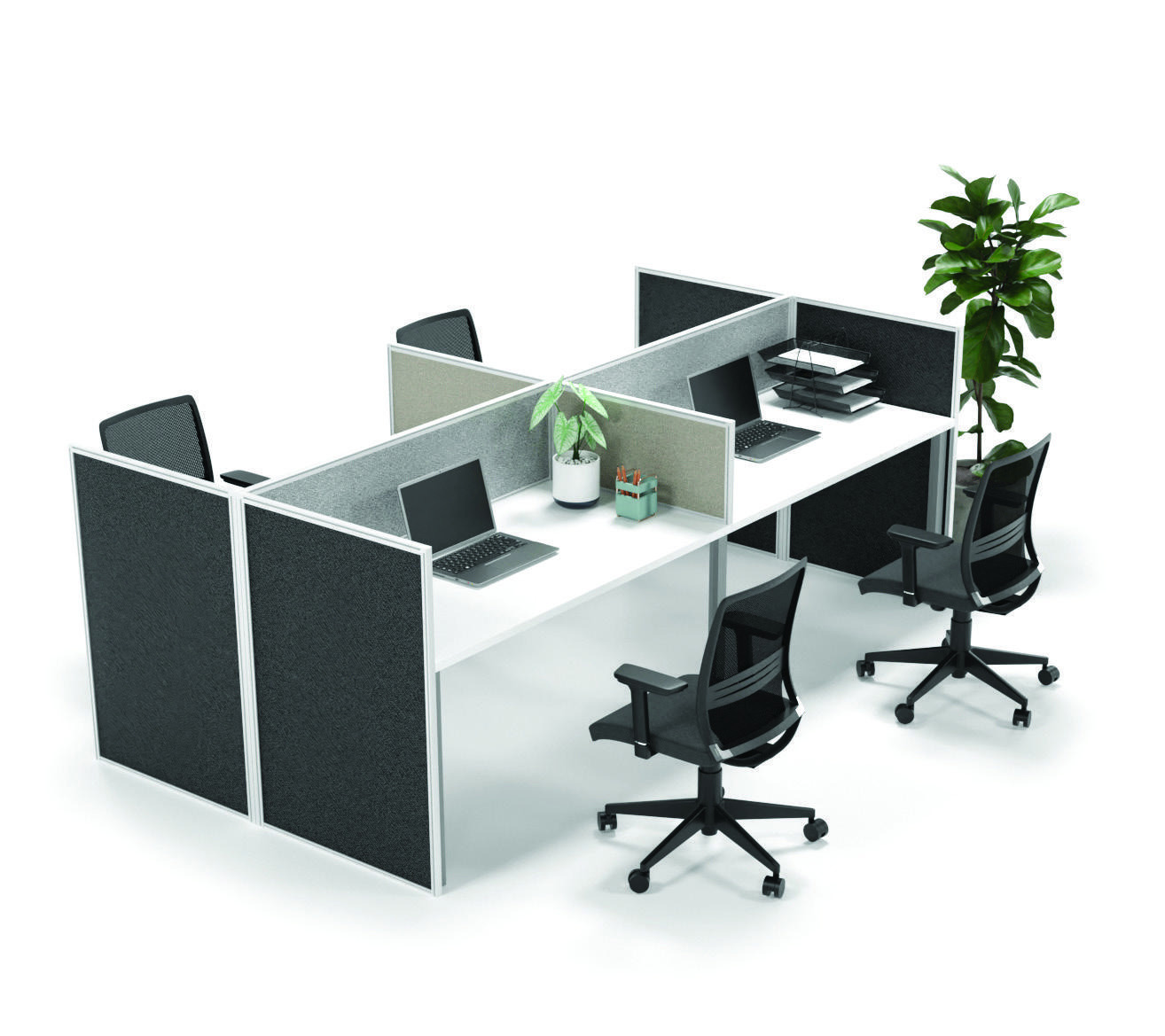
Example of a screened desk cluster
A LAYOUT THAT FITS
One desk. A whole team.
Create individual work areas within a shared setting. Front screens, side screens and connected arrangements give you different ways to organise your space.
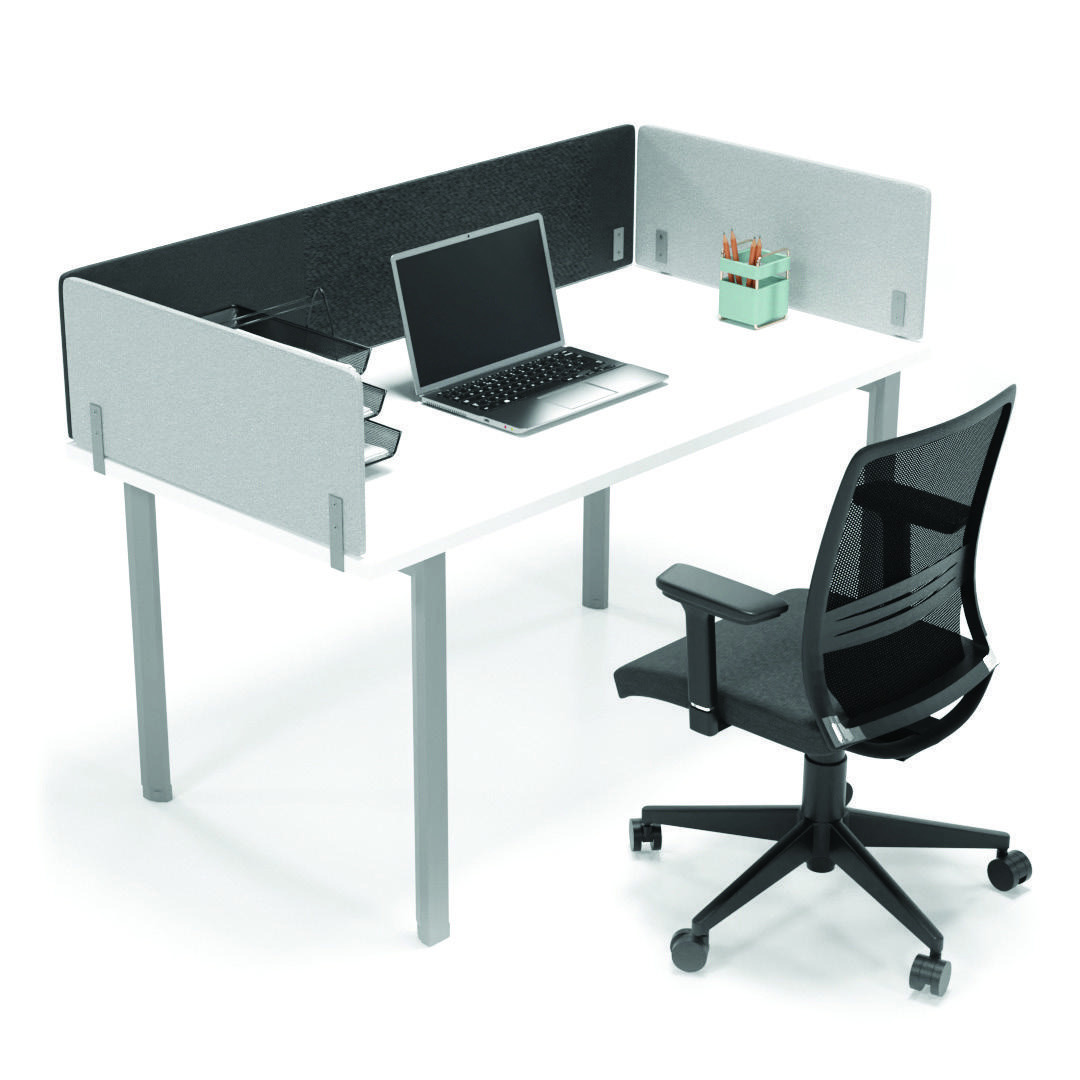
Econo screening shown in a workstation setting
YOUR SPACE, YOUR FINISH
A look that belongs in your office.
Explore framed screening and the Econo range to suit the character of your workspace. The examples show how different screen arrangements can work with an individual desk.
SCREEN TYPES & FINISHES
Choose the character of your screen.
Explore the materials and finishes, then discuss the dimensions and mounting for your chosen arrangement.
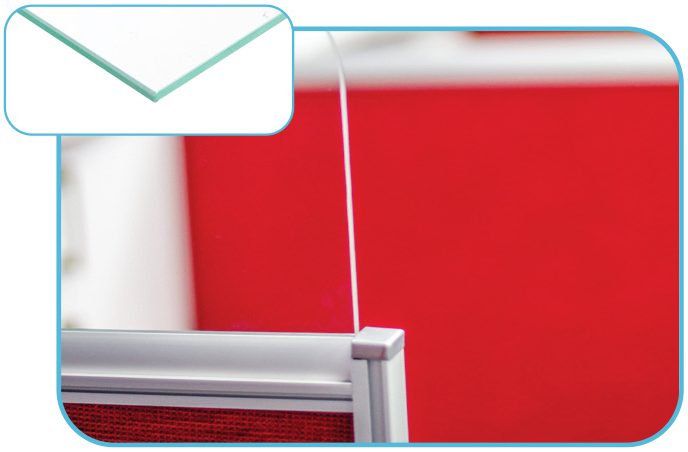
Toughened glass
Clear glass, framed or frameless.
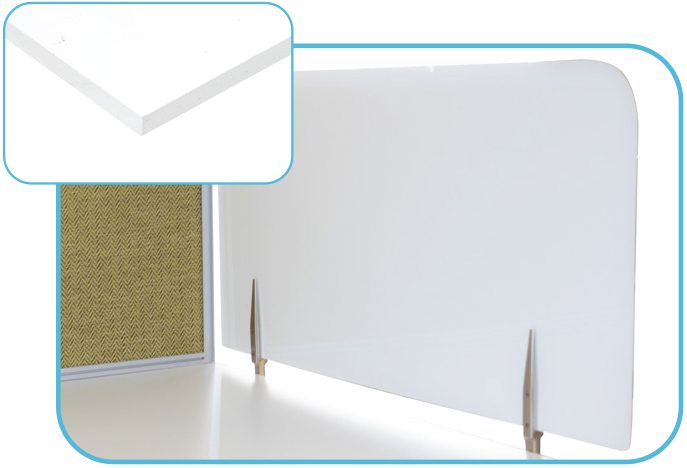
Plexiglass
Clear, frosted or solid options.
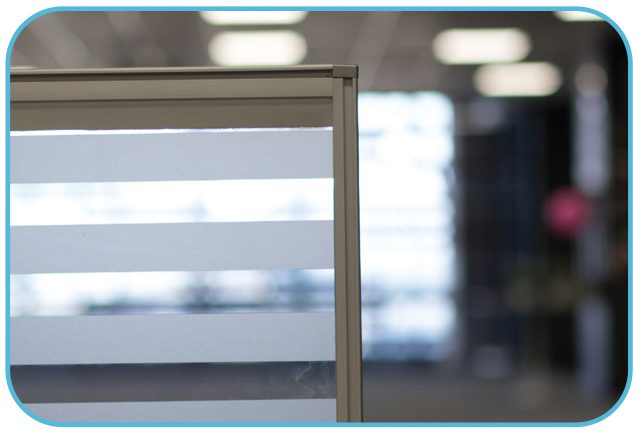
Sandblasted vinyl
Frosting, stripes or custom printed finishes.
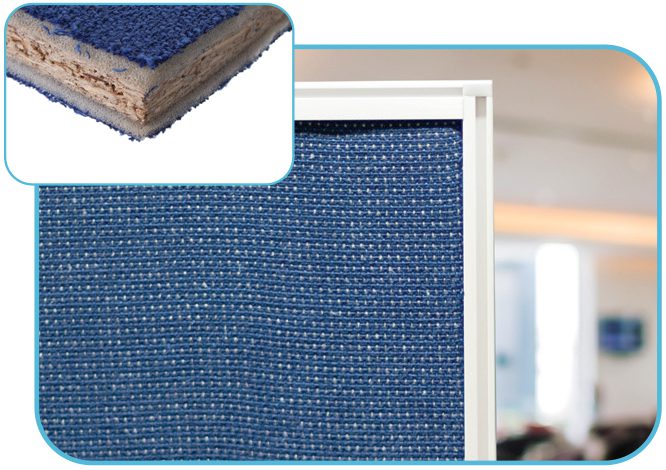
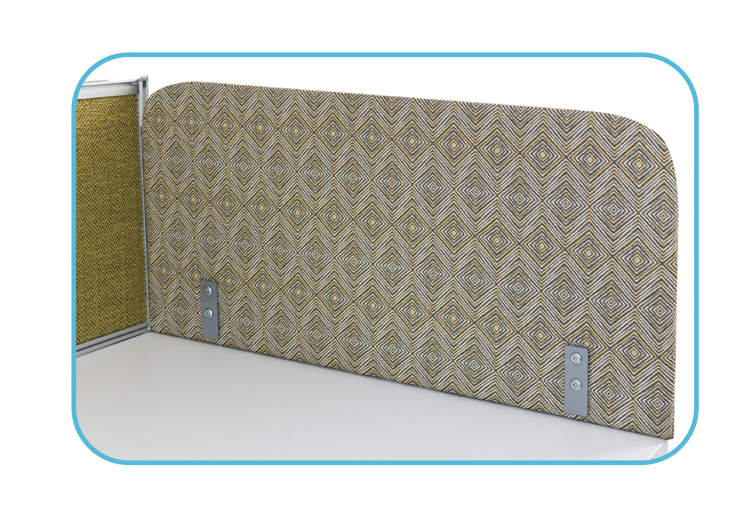
Fabric
Upholstered panels to suit the workspace.
Pin board under fabric
A pin-friendly layer beneath the fabric.
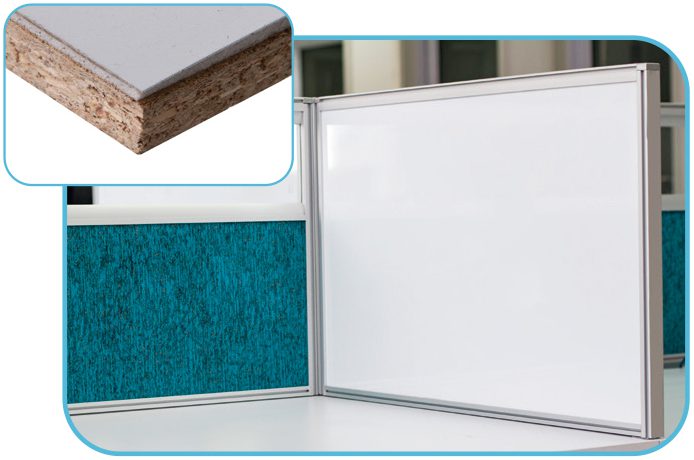
Magnetic whiteboard
A magnetic write-and-wipe surface.
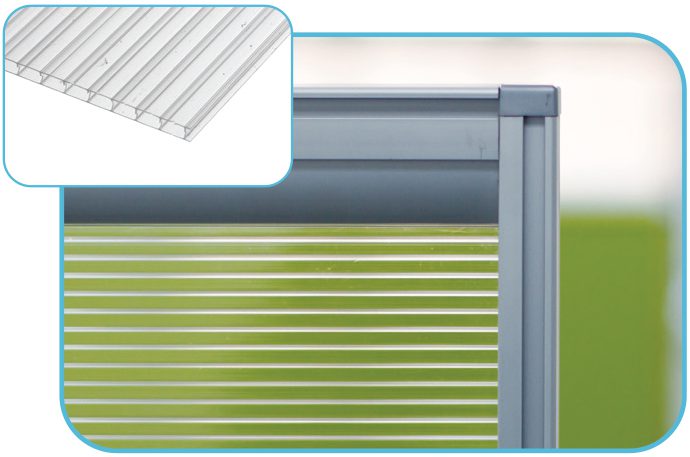
Polycarbonate
Clear panels for the framed system.
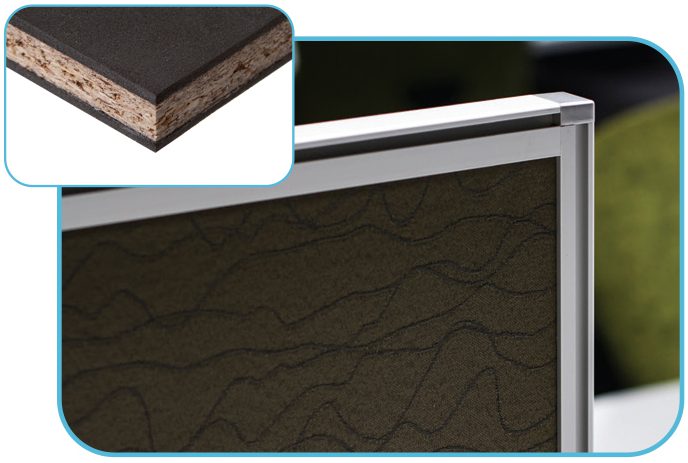
Econo / frameless fabric
Fabric-covered chipboard with economy brackets.
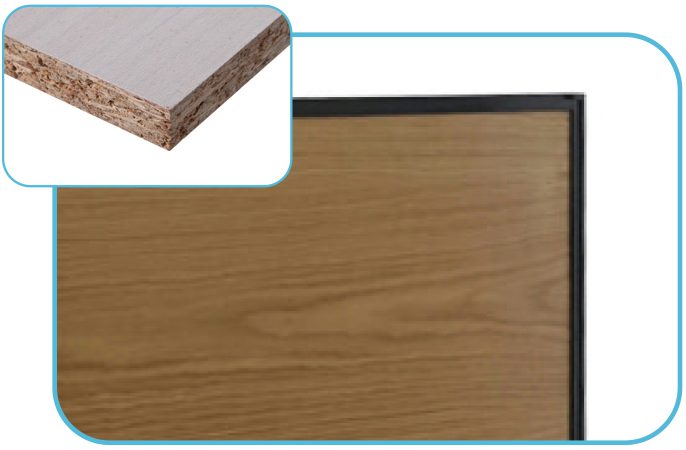
Wooden screen
Double-faced melamine within a frame.
COMPONENTS
Everything that brings the layout together.
Brackets, supports and connections for planning the complete arrangement.
Mounting brackets
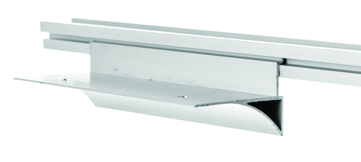
Cluster Bracket
Front screens on a desk cluster.
Double Cluster Bracket
Front and side screens with a pole.
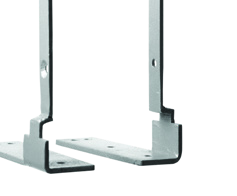
Left/Right Hand Bracket
A single front screen at desk level.
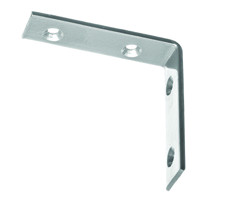
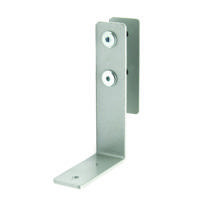
L-Bracket
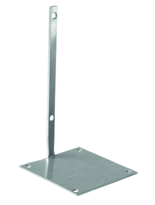
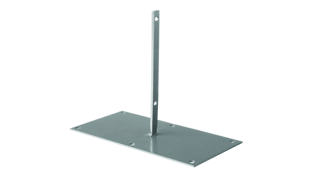
Floor-screen fixing beneath a desktop.
Table Bracket
Supports a top using the centre extrusion.
Econo Bracket
Mounting for the Econo range.
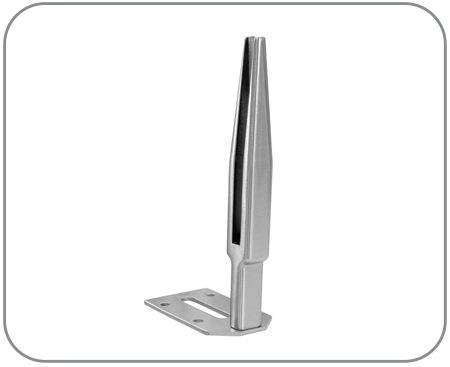
Bullet Bracket
Mounting for frameless glass or Plexiglass.
Poles & connectors
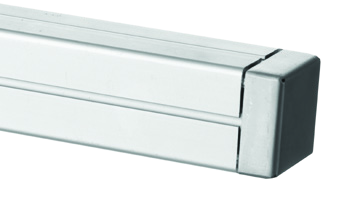
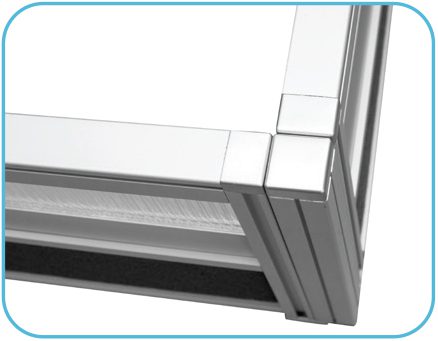
Square Pole and Cap
For square-pole arrangements.
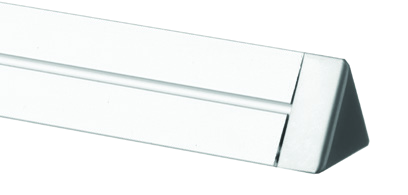
Triangular Pole and Cap
For a 120° arrangement.
Screen to Pole Connector
Connects the panel to its pole.
Screen to Screen Connector
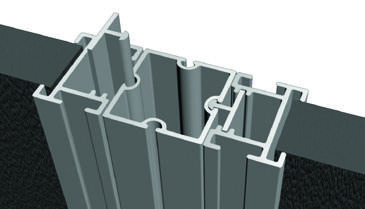
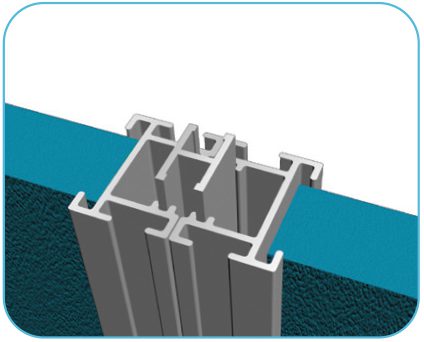
An H-section connection in a straight line.
Junctions
90° Junction
One pole, cap and two connectors.
3 Way Junction
One pole, cap and three connectors.
4 Way Junction
One pole, cap and four connectors.
120° Junction
Triangular pole, cap and three connectors.
Tell us about your desk layout.
Share your arrangement, preferred screen finish and dimensions so we can help you plan the screening.